Bearbeiten von Bitmaps Übung 5 (Übung 32)

Code:
 Till2001
Erklärung:
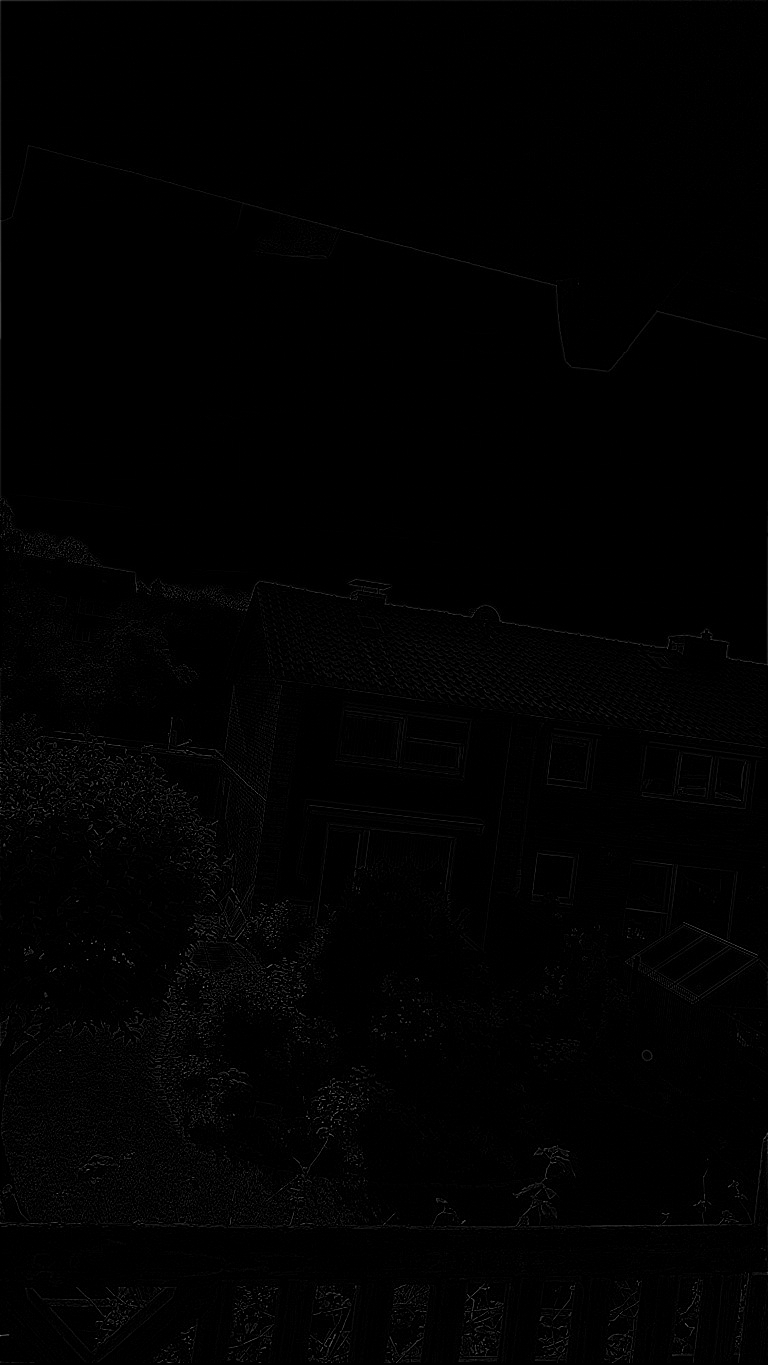
Der hier implementierte Laplace-Filter führt dazu, dass beinah alle Bereiche des Bildes Schwarz gefärbt werden. Die einzigen Stellen an welchen das Bild nicht schwarz ist, sind die Kanten des Original Bildes. Dies wird erzielt, indem der Pixel in der Mitte gleichstark gewichtet wird, wie die Pixel drumherum. Die Pixel drumherum werden allerdings abgezogen. So bleiben nur noch Stellen sichtbar welche verschieden gefärbte Flächen Trennen, also Kanten.
Bild 1 vor dem Laplace Filter:
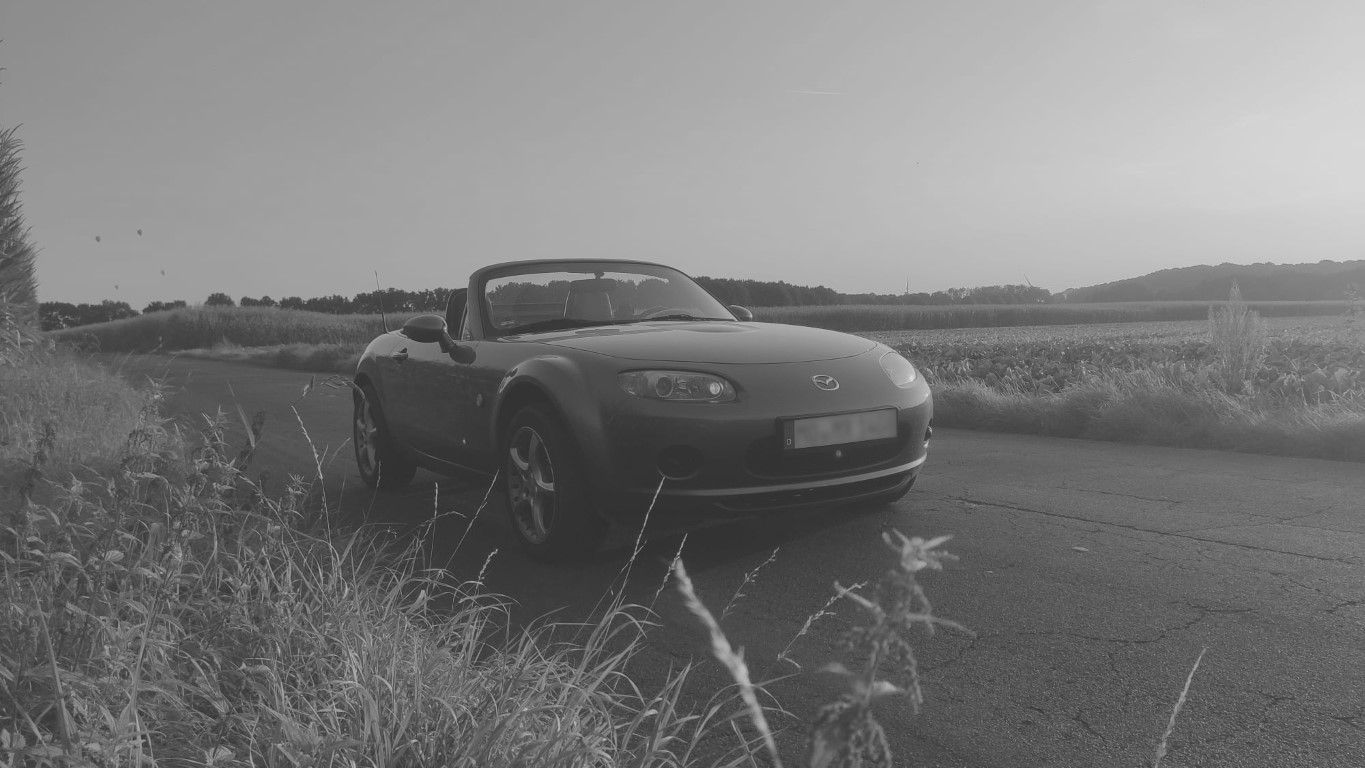
Bild 1 nach dem Laplace Filter:
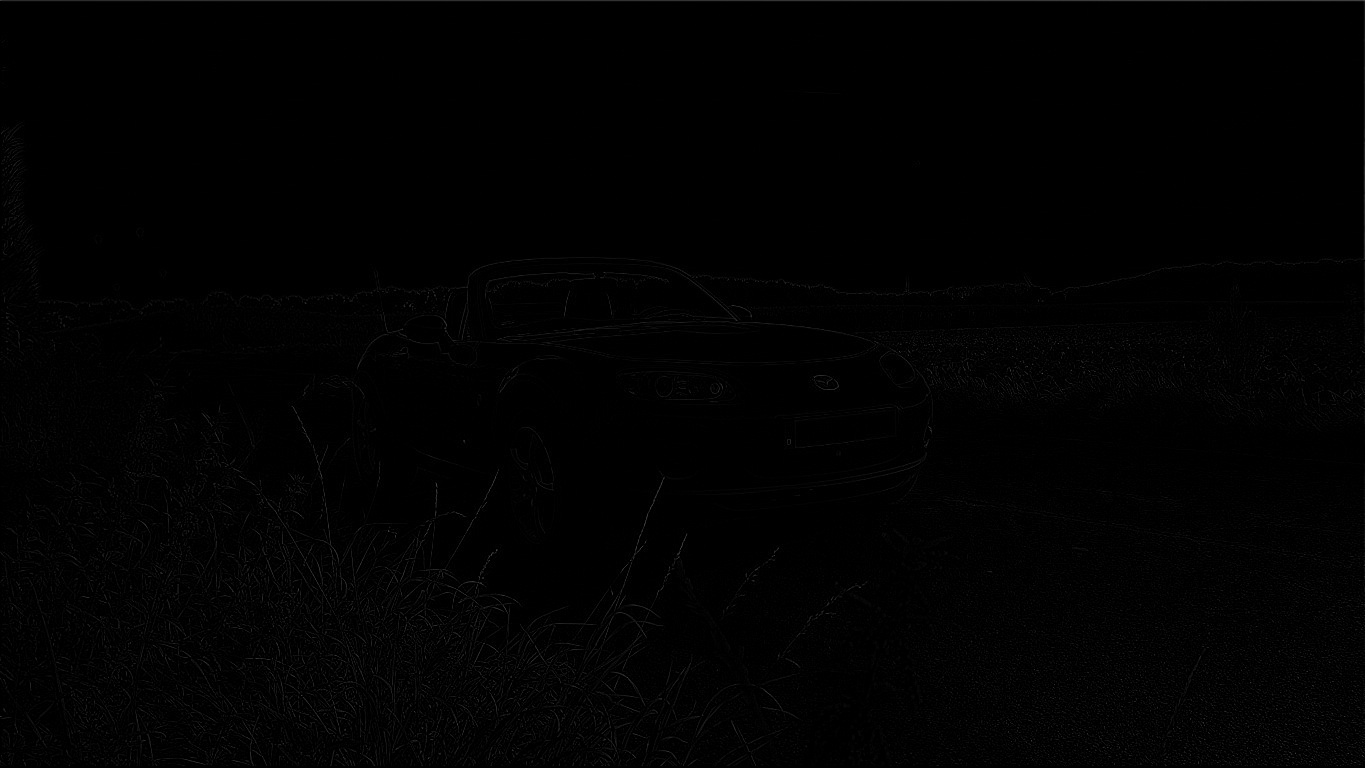
Bild 2 vor dem Laplace Filter:
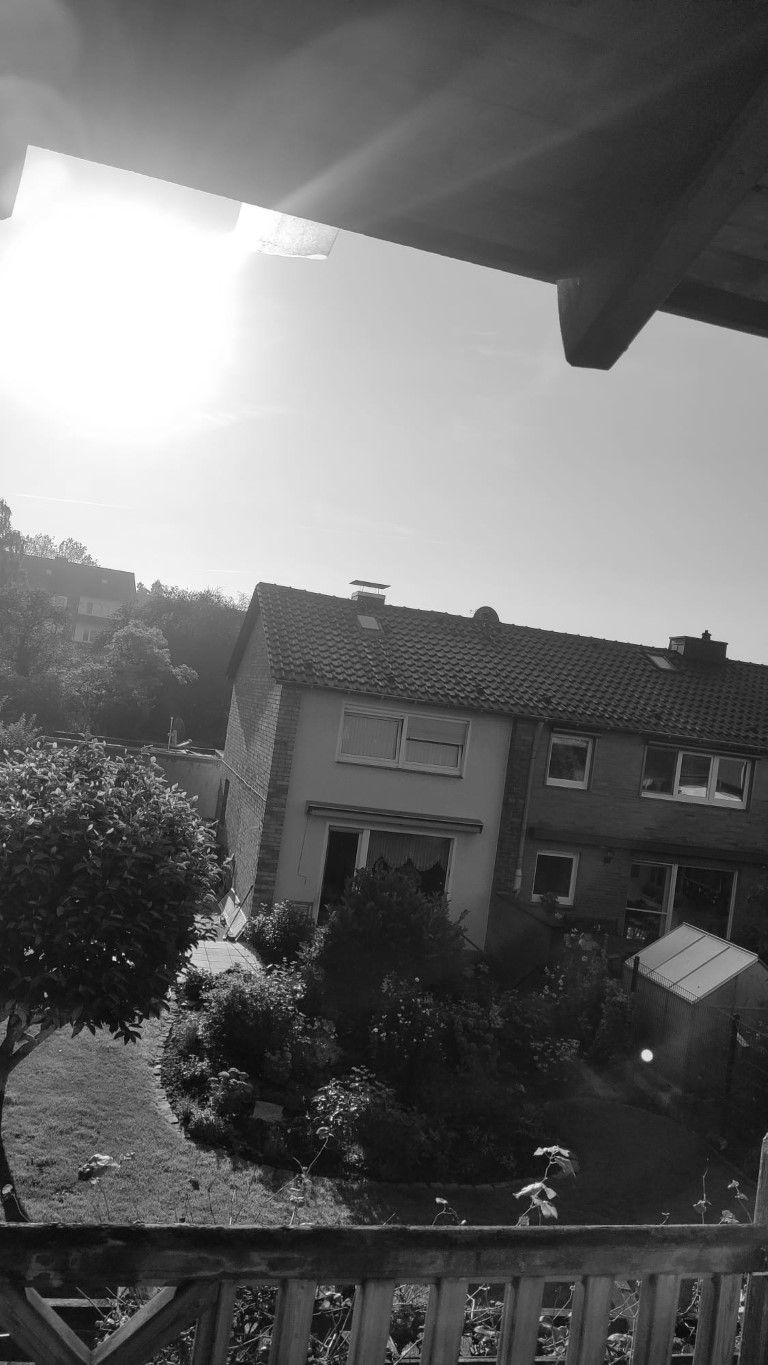
Bild 2 nach dem Laplace Filter:
Sketch:
let img, newimg;
let matrix = [
[0, 0, -1, 0, 0],
[0, -1, -2, -1, 0],
[-1, -2, 16, -2, -1],
[0, -1, -2, -1, 0],
[0, 0, -1, 0, 0]
]
let matrixTotal = 16;
function preload() {
//img = loadImage("car.jpg")
img = loadImage("house.jpg")
}
function setup() {
//createCanvas(1366, 768)
createCanvas(768, 1366)
}
function draw() {
pixelDensity(1);
img.loadPixels();
smoothedImg = createImage(img.width, img.height)
smoothedImg.loadPixels()
for (let y = 0; y < img.height; y++) {
for (let x = 0; x < img.width; x++) {
let centerIndex = 4 * (y * img.width + x);
let sum = 0;
for (kx = -2; kx <= 2; kx++) {
for (ky = -2; ky <= 2; ky++) {
let xOffset = 4 * kx;
let yOffset = 4 * img.width * ky;
let pixelIndex = centerIndex + xOffset + yOffset;
if (pixelIndex >= 0) {
sum += ((img.pixels[pixelIndex] * matrix[kx + 2][ky + 2]) / matrixTotal)
}
}
}
smoothedImg.pixels[centerIndex] = sum
smoothedImg.pixels[centerIndex + 1] = sum
smoothedImg.pixels[centerIndex + 2] = sum
smoothedImg.pixels[centerIndex + 3] = 255
}
}
console.log(smoothedImg.pixels)
smoothedImg.updatePixels()
image(smoothedImg, 0, 0, smoothedImg.width, smoothedImg.height);
noLoop();
}