Bearbeiten von Bitmaps Übung 4 (Übung 31)

Code:
 Till2001
Erklärung:
Beim glätten des Bildes müssen wir die neu berechneten Pixel in ein zweites Bild schreiben, da wir sonst das Original-Bild anpassen würden welche gleichzeitig die Daten beinhält auf dessen Basis wir das Bild glätten wollen. Wir würden sonst also die Daten aus denen wir noch lesen verändern und damit zu einem falschen Ergbenis kommen
Bild vor der Glättung:
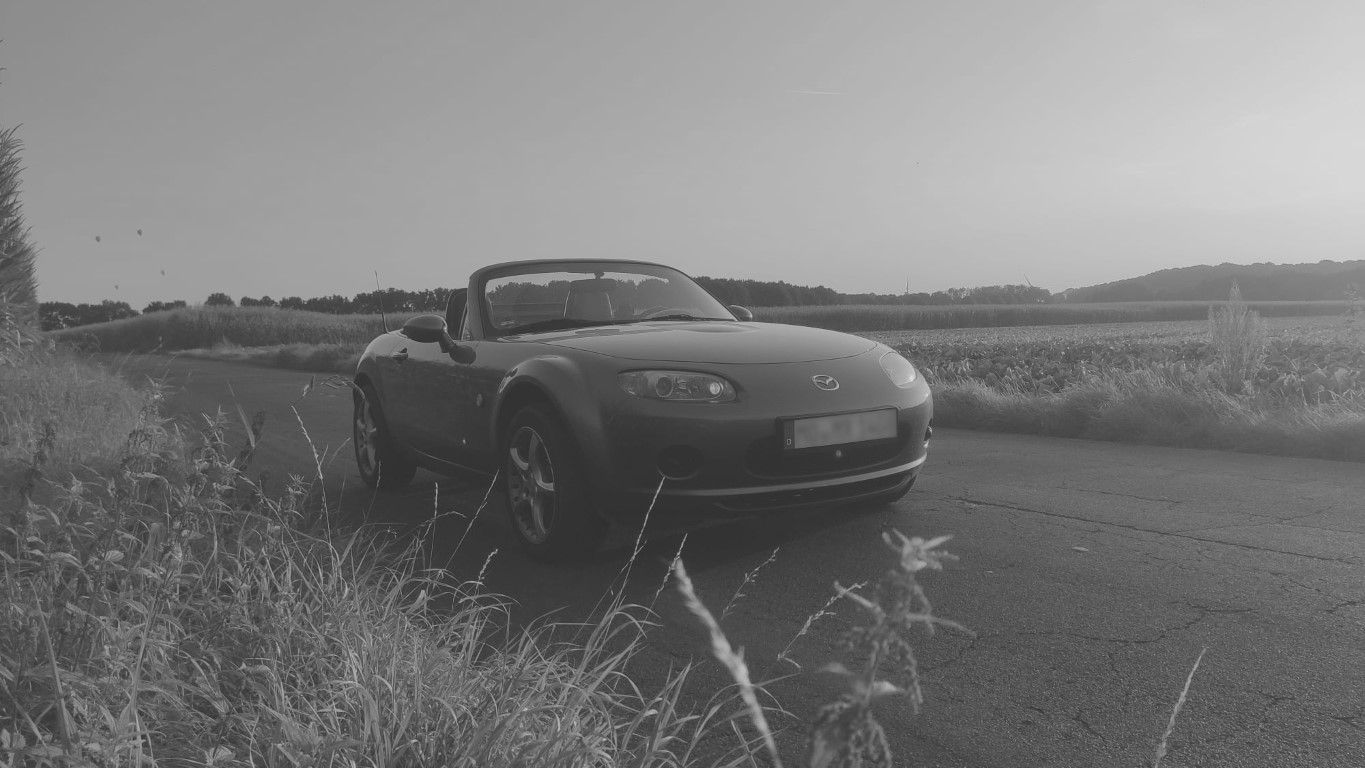
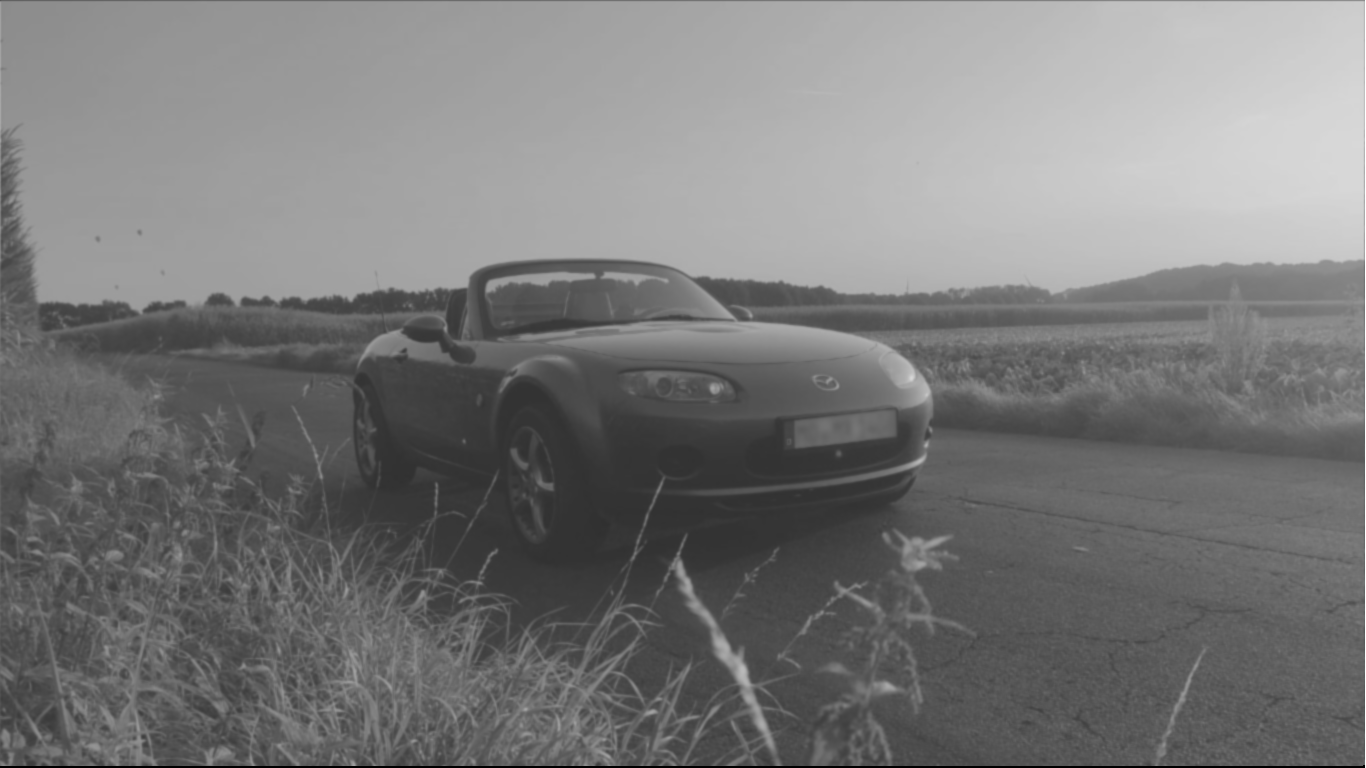
Bild nach der Glättung:
sketch
let img, newimg;
let matrix = [
[0, 1, 2, 1, 0],
[1, 3, 5, 3, 1],
[2, 5, 9, 5, 2],
[1, 3, 5, 3, 1],
[0, 1, 2, 1, 0]
]
let matrixTotal = 57;
function preload() {
img = loadImage("car.jpg");
}
function setup() {
createCanvas(1366, 768);
}
function draw() {
pixelDensity(1);
img.loadPixels();
smoothedImg = createImage(img.width, img.height)
smoothedImg.loadPixels()
for (let y = 0; y < img.height; y++) {
for (let x = 0; x < img.width; x++) {
let centerIndex = 4 * (y * img.width + x);
let sum = 0;
for (kx = -2; kx <= 2; kx++) {
for (ky = -2; ky <= 2; ky++) {
let xOffset = 4 * kx;
let yOffset = 4 * img.width * ky;
let pixelIndex = centerIndex + xOffset + yOffset;
if (pixelIndex >= 0) {
sum += ((img.pixels[pixelIndex] * matrix[kx + 2][ky + 2]) / matrixTotal)
}
}
}
smoothedImg.pixels[centerIndex] = sum
smoothedImg.pixels[centerIndex + 1] = sum
smoothedImg.pixels[centerIndex + 2] = sum
smoothedImg.pixels[centerIndex + 3] = 255
}
}
smoothedImg.updatePixels()
image(smoothedImg, 0, 0, smoothedImg.width, smoothedImg.height);
noLoop();
}